

Amazon EDI Integration
Connect Amazon with ERP systems through EDI to automate orders, inventory, shipping, returns, and invoice data exchange.
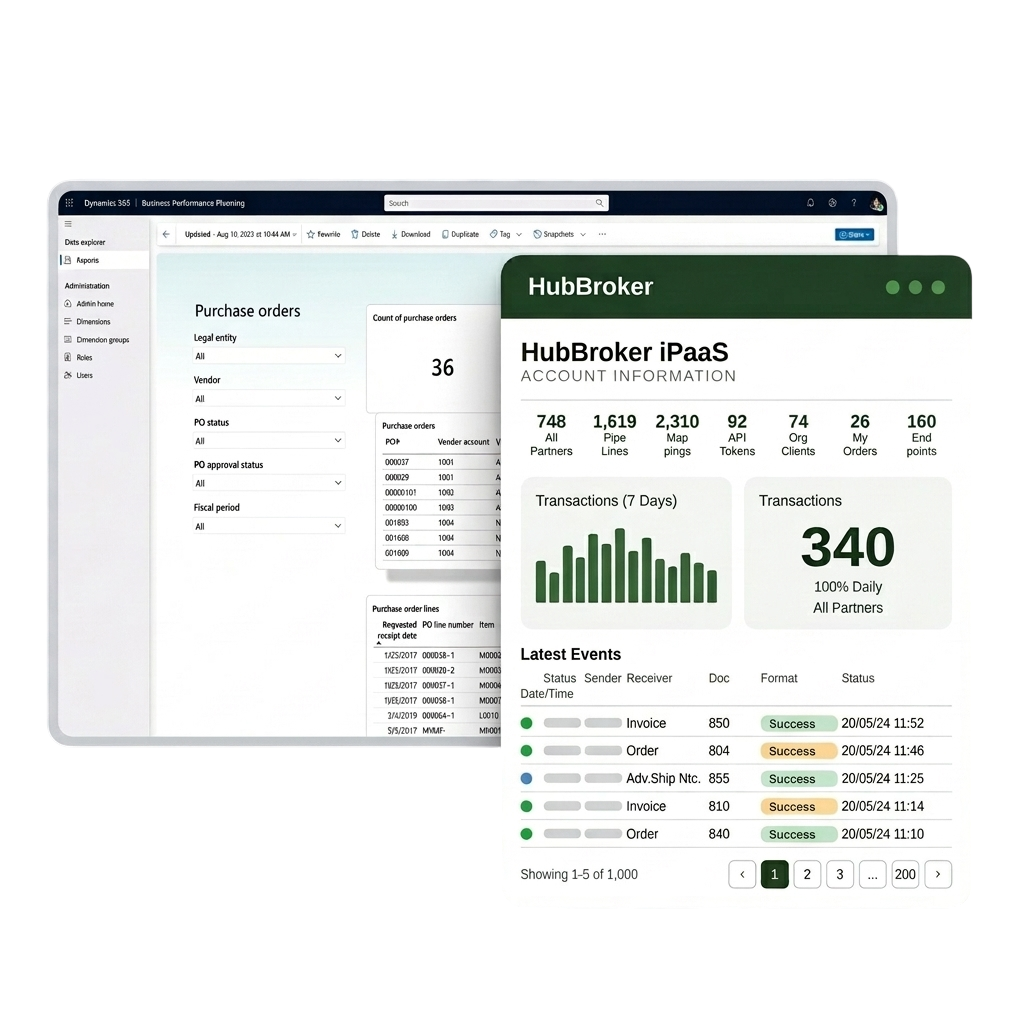















Connect Amazon with ERP systems through EDI to automate orders, inventory, shipping, returns, and invoice data exchange.
Connect BigCommerce with your ERP through EDI to automate orders, invoices, inventory, and shipping data exchange across systems.
Connect Visma e-conomic with ERP and business systems through EDI to automate invoices, orders, finance, and accounting data.
Connect Microsoft Business Central with ERP, commerce, and trading systems through EDI to automate orders, invoices, and inventory.
Connect Rackbeat with ERP and commerce systems through EDI to automate inventory, orders, purchases, and invoice data exchange.
Connect Microsoft Dynamics 365 F&O with business platforms through EDI to automate finance, supply chain, orders, and invoicing data.
Connect Shopify with your ERP through EDI to automate orders, inventory, invoices, and fulfilment data exchange across systems.
Connect Uniconta with business systems through EDI to automate invoices, orders, inventory, and finance data exchange.
Connect SAP Business One with trading platforms through EDI to automate orders, invoices, inventory, and finance data exchange.
Connect OpenCart with your ERP through EDI to automate orders, invoices, inventory, and shipping data flow across business systems.
Let's schedule a demo and discover how our integration platform connects your apps and automates processes.
15+
Years Experience
500+
Projects Delivered
2000+
Global Clients
40+
Countries
We review your Dynamics 365 F&O; environment, modules in use, trading partners, document volumes, and enterprise workflows so the EDI design supports your scale and governance requirements.
Your Dynamics 365 F&O; environment is prepared for EDI exchange with document types, posting profiles, security roles, and master data structures aligned for automated transaction processing.
D365 F&O; entities for sales orders, purchase orders, invoices, and master data are mapped to EDIFACT, X12, XML, JSON, or partner formats so data flows cleanly at the volumes your business needs.
Each customer, supplier, and 3PL is added to your D365 F&O; EDI flow with identifiers, document profiles, connection method, and the business rules required for enterprise-grade exchange.
Sales orders, invoices, dispatch notes, and master data updates are converted between D365 F&O; entities and each partner's format automatically, supporting high transaction throughput.
Sample documents and full transaction sets are exchanged with each partner and validated against D365 F&O; posting rules, formats, and enterprise approval workflows before going live.
EDI flows are moved into your live D365 F&O; environment with an enterprise cutover plan, so existing order, invoice, and master data activity continues without disruption to global operations.
After go-live, D365 F&O; document flow, partner activity, and exceptions are monitored, with support for new partners, format changes, and adjustments as your enterprise needs grow.













Process high volumes of orders, invoices, and dispatch documents in and out of Dynamics 365 F&O; without adding finance or operations headcount, even as your transaction volume scales.
Customer, supplier, item, and pricing data is validated as part of every EDI exchange, so D365 F&O; master data stays clean and reporting reflects the true state of your business activity.
Customer orders arrive directly in D365 F&O; sales documents and trigger picking, dispatch, and invoicing automatically, helping global operations meet tighter service-level commitments.
Outbound and inbound invoices are validated for format, VAT, country-specific tax fields, and partner rules before reaching D365 F&O; AR or AP, reducing rejections and disputes
Send and receive Peppol-compliant e-invoices and orders from D365 F&O; across Europe, meeting B2G and country-level mandates without separate portals or one-off compliance projects.
Track every EDI document, status, and exception alongside D365 F&O; records with logs, dashboards, and audit trails for finance, IT, supply chain, and compliance teams to share.
HubBroker solutions support businesses across industries where reliable data exchange, automation, compliance, and partner connectivity are essential.
Support fast-moving order, invoice, inventory, and marketplace workflows with automated document and system integrations.
Help manufacturers connect suppliers, customers, ERP systems, and logistics partners for smoother production and supply chain operations.
Enable structured data exchange for shipping, delivery, tracking, invoicing, and partner communication across logistics networks.
Support secure and accurate document exchange where compliance, reliability, and process efficiency are critical.
Help financial businesses improve document processing, data accuracy, reporting flows, and secure business communication.
Automate order-to-cash and procure-to-pay workflows across customers, suppliers, warehouses, and ERP systems.
Our integration is designed around D365 F&O;'s enterprise structures, security, and posting flows rather than treating it like a small-business ERP, so it supports real corporate complexity.
EDI processing for D365 F&O; is built for the order, invoice, and dispatch volumes that global businesses actually run, with monitoring and exception handling sized accordingly.
D365 F&O; users get certified Peppol Access Point connectivity included, with country-specific BIS profiles handled so compliance is managed for you, not piled on internal teams.
Our D365 F&O; EDI projects follow a documented enterprise path from requirement review through testing, sign-off, and go-live, so IT, finance, and operations stakeholders stay aligned.
Our teams in Denmark and India support D365 F&O; EDI customers directly on partner onboarding, mapping changes, and ERP-side issues during European and overlapping working hours.
Dynamics 365 F&O; can be extended with intelligent document processing, Peppol e-invoicing, and ERP API integration through the same HubBroker platform, so automation grows enterprise-wide.

ERIKS is a globally recognized industrial service provider with over 80 years of experience in delivering technical products, engineering expertise, and tailored services.
Read More
Orkla House Care Europe, a division of Orkla ASA, is a leading manufacturer and distributor of high-quality painting tools for both professionals and DIY users. Operating across Sweden, Denmark, Norway, and the UK.
Read More
Ammega Group, through its Megadyne division, is a global leader in the manufacturing and distribution of power transmission belts and industrial conveyor solutions.
Read More
TDC Brands is a Danish telecommunications group, home to six brands: YouSee, TDC Erhverv, Telmore, Hiper, eesy and Relatel.
Read MoreHubBroker integration platform acts as a cloud-based middleware that connects different systems, enabling them to communicate and share data. We provides users with a unified, AI-powered platform with an intuitive user experience. Features include prebuilt connectors and integrations that empower non-technical users, and one-click access to powerful developer tools for technical users to help facilitate data integration and business process automation.
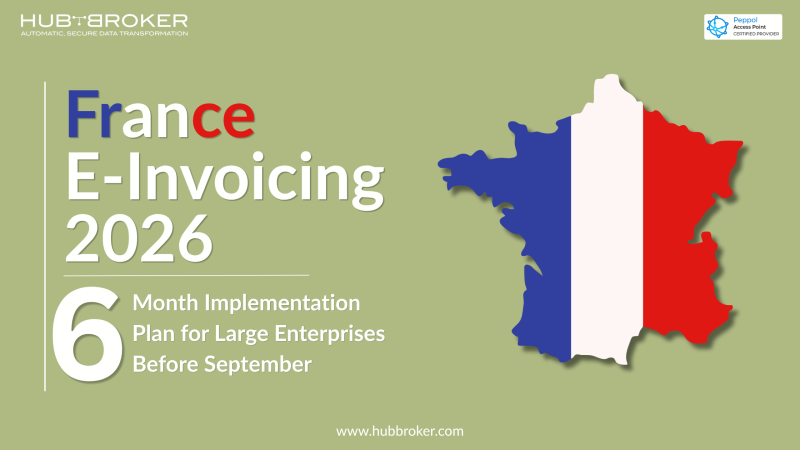
France’s e-invoicing reform is no longer a problem for next year. With the mandate going live on 1 September 2026, large and medium-sized businesses have under four months to onboard with an Approved Platform, connect their ERP, and start exchanging structured invoices.
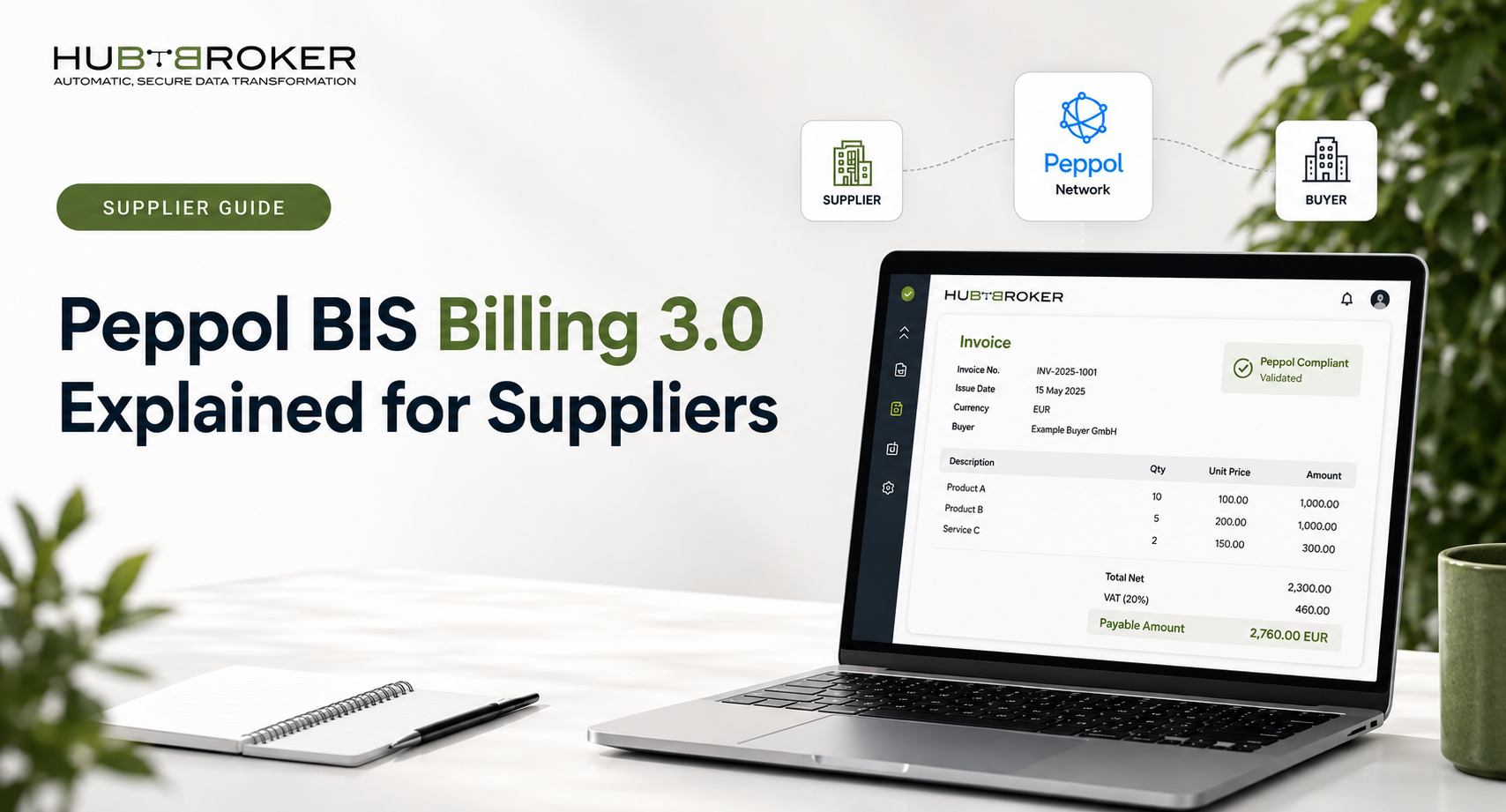
Quick Questions About Peppol BIS Billing 3.0 for Suppliers What is Peppol BIS Billing 3.0? Peppol BIS Billing 3.0 is the standard specification used to exchange electronic invoices and credit notes through the Peppol network.
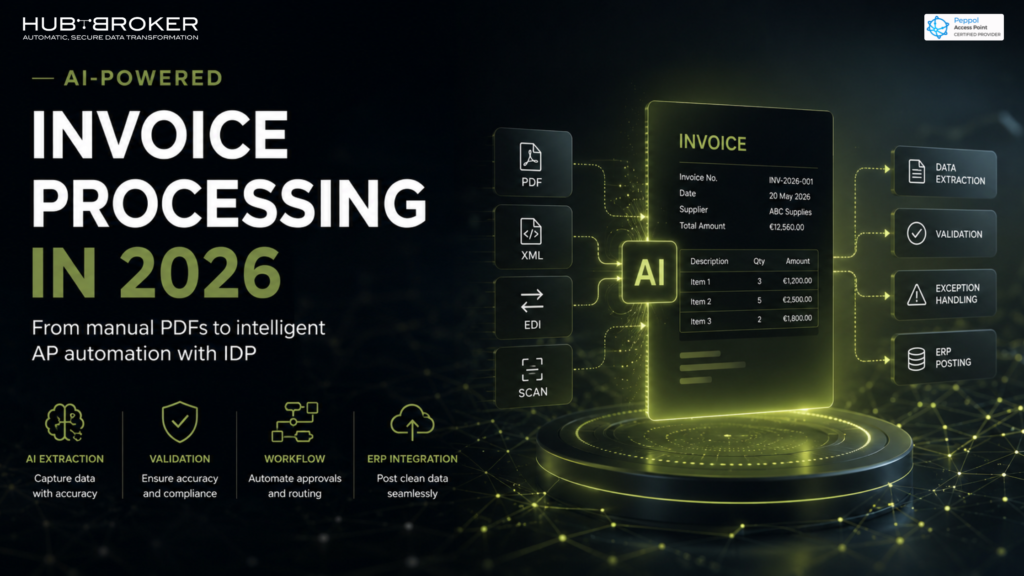
Invoice processing has quietly become one of the biggest bottlenecks in finance operations. For years, many businesses treated invoices as simple documents: receive a PDF, enter the details into the ERP, approve it, and pay it. But in 2026, that approach is becoming too slow, too risky, and too manual.
Bredgade 45B, København K, Capital Region , 1260, Denmark
D-1010, The First, B/H ITC Narmada, Ahmedabad, Gujarat, 380015, India